Fast, Professional Support When You Need It
At Morecom Ltd, we understand how important your services are to your business. Whether it’s your broadband, hosted phone system, WiFi, CCTV, access control, alarm system, mobile SIM, network infrastructure, or cabling, we aim to resolve faults as quickly and efficiently as possible.
To help us investigate and fix issues quickly, it’s important that faults are reported with as much information as possible. The more information we receive upfront, the faster we can begin troubleshooting and identifying the root cause.
You can report a fault using any of the following methods:
This information helps our engineers prioritise and diagnose faults more effectively
A picture can often save significant troubleshooting time.
If there is visible damage, please provide photographs showing:
Photographs often help us determine whether a site visit is required before dispatching an engineer.
If you’re reporting a broadband issue, there are several checks that can help us diagnose the problem quickly.
Questions We May Ask

Before reporting a broadband fault, please try:
Many broadband faults can be resolved through simple checks before escalation to the network provider.
If you’re experiencing an issue with your phone system, we’ll need some additional information.
Questions We May Ask
Typical Screen Messages
A photo of the phone display can often speed up diagnosis considerably.
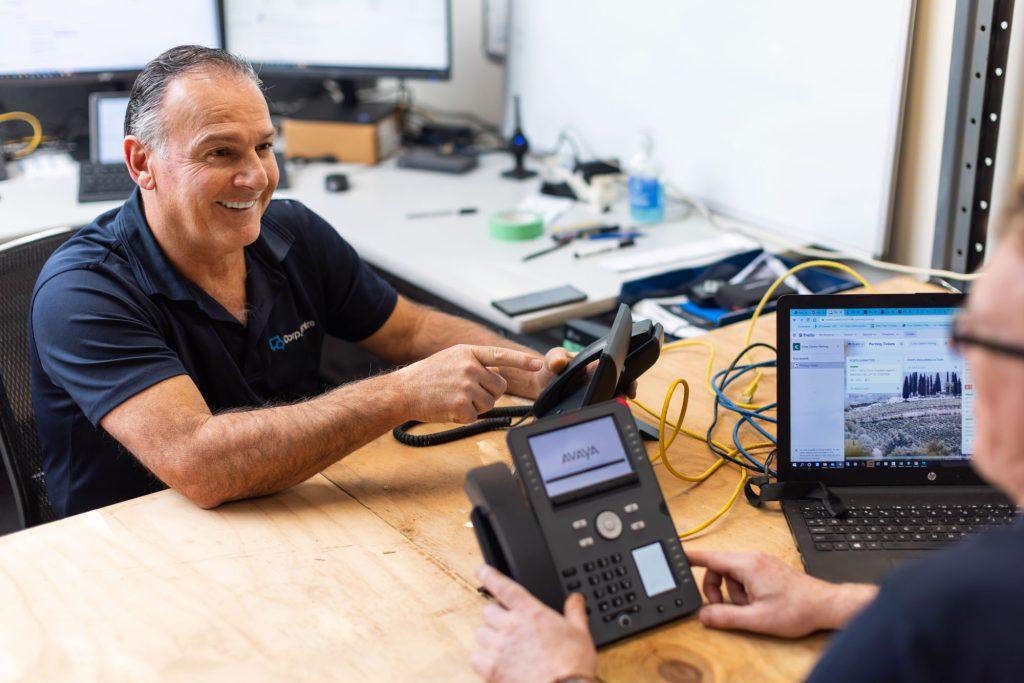
If you’re reporting a CCTV issue, we may ask:
Helpful Information
Please send:
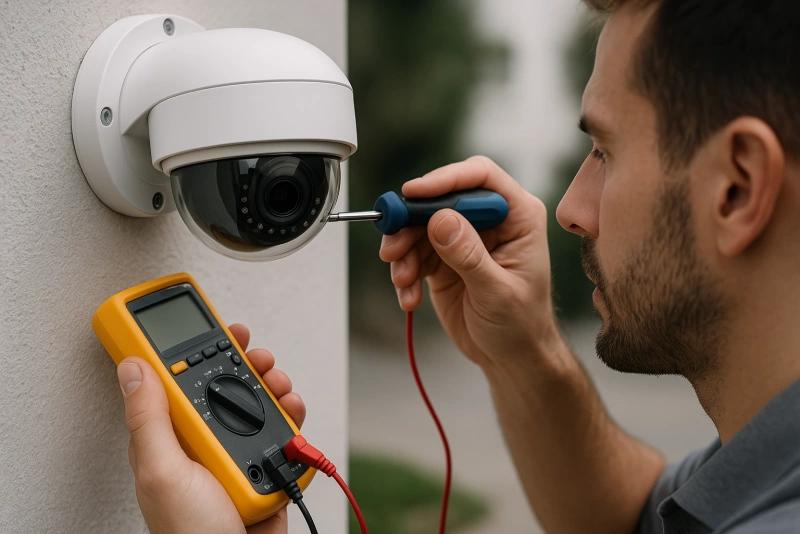
WiFi problems can often be caused by factors unrelated to the internet connection itself.
Questions We May Ask
Knowing whether the issue affects a specific area or the entire site helps us identify whether the problem is related to internet connectivity, wireless coverage, or individual devices.
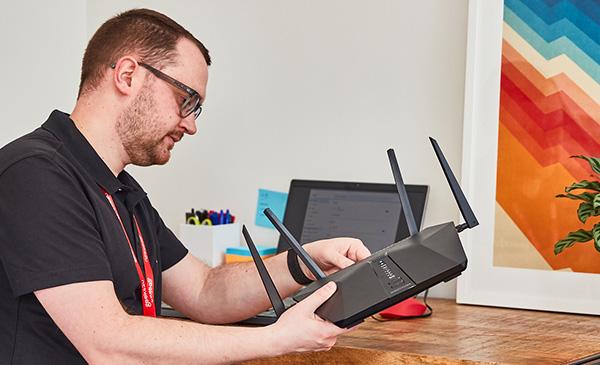
If you suspect a network or cabling issue, please provide:
If a cable has been damaged, cut, crushed, or disconnected, photographs are extremely helpful.
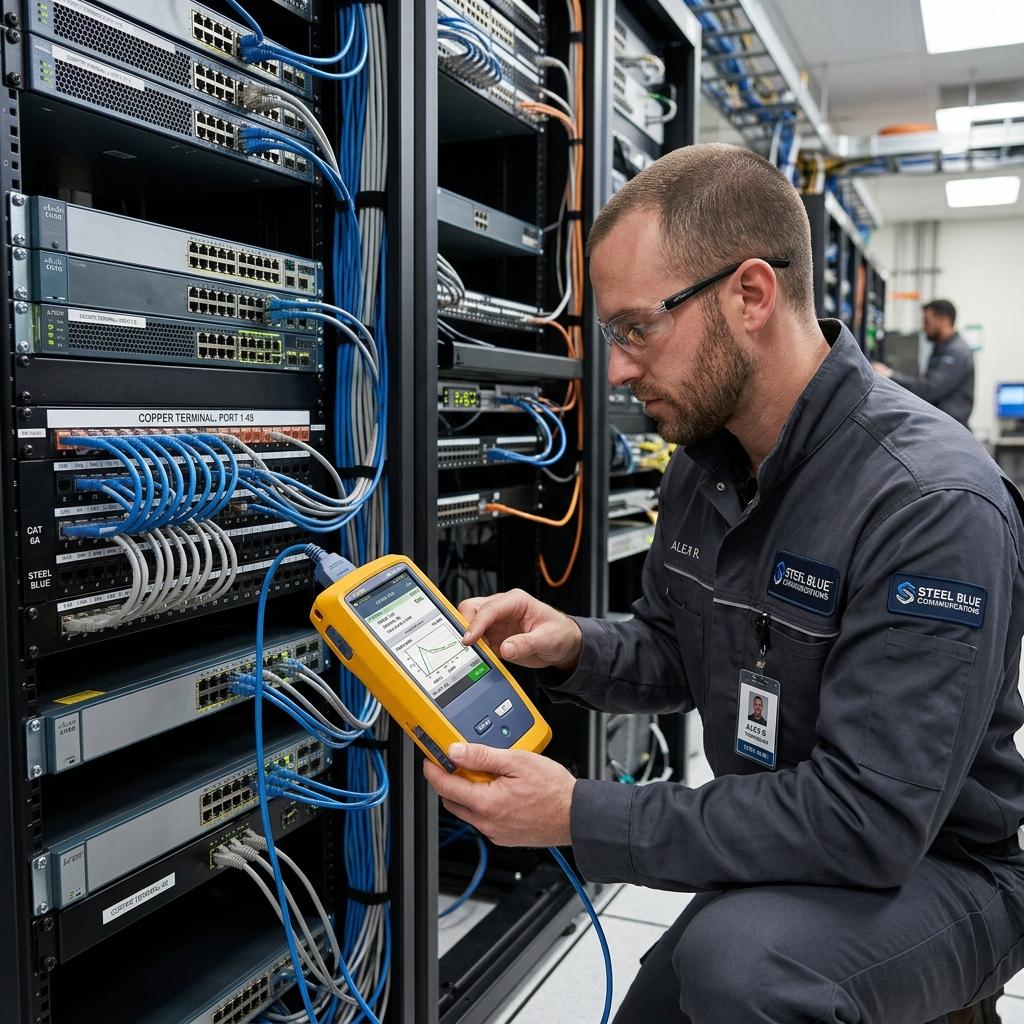
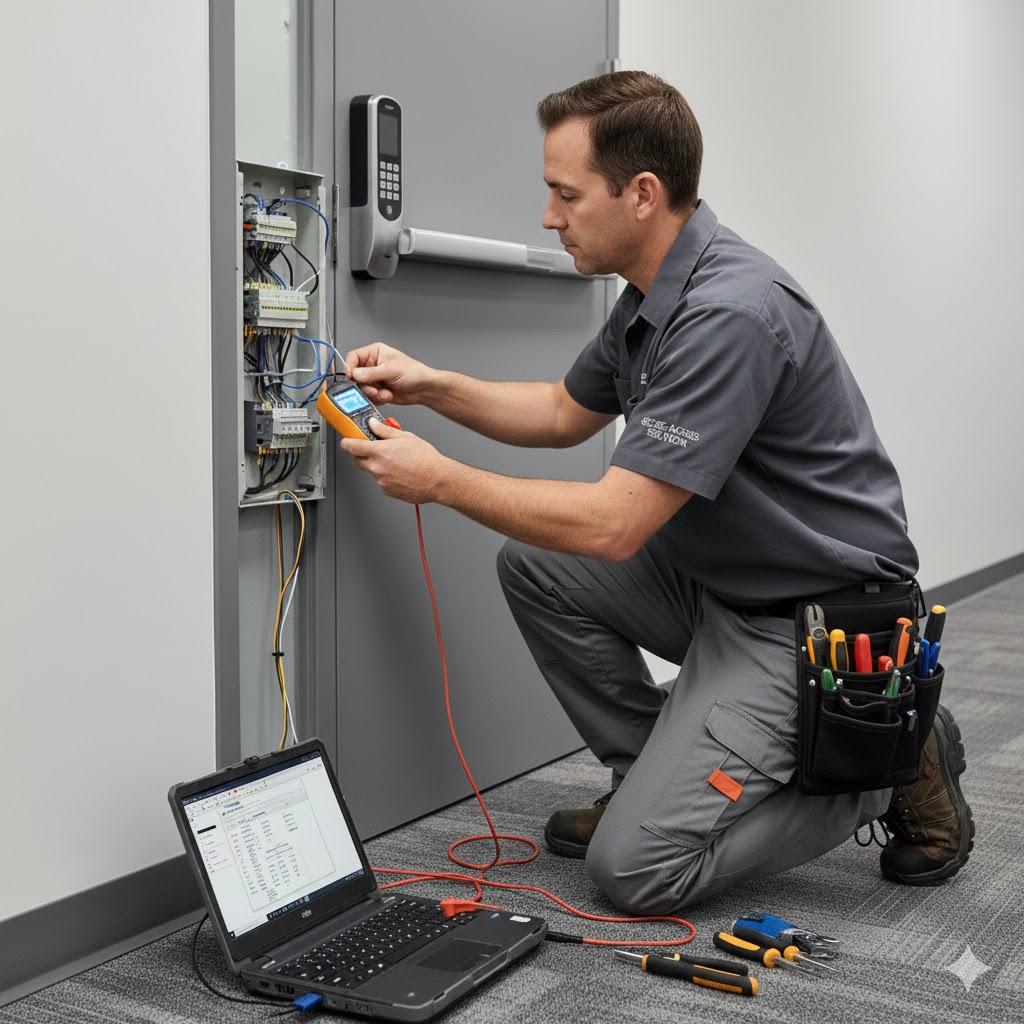
For access control, gate entry, alarms, or security systems we may ask:
The more information provided initially, the quicker we can identify the fault and recommend a solution.
To help minimise downtime, please carry out the following basic checks where safe to do so:
To help minimise downtime, please carry out the following basic checks where safe to do so:
A support ticket is created and assigned to our technical team.
An engineer reviews the information provided and begins diagnosis.
We may contact you for additional information if required.
Where possible, we will attempt to resolve the issue remotely.
If necessary, an engineer may be scheduled to attend site.
The fastest fault resolutions usually happen when we receive:
A few extra minutes spent gathering information can often save hours during diagnosis and significantly speed up resolution.